Once you pay OrientDig, a seller may still reprice
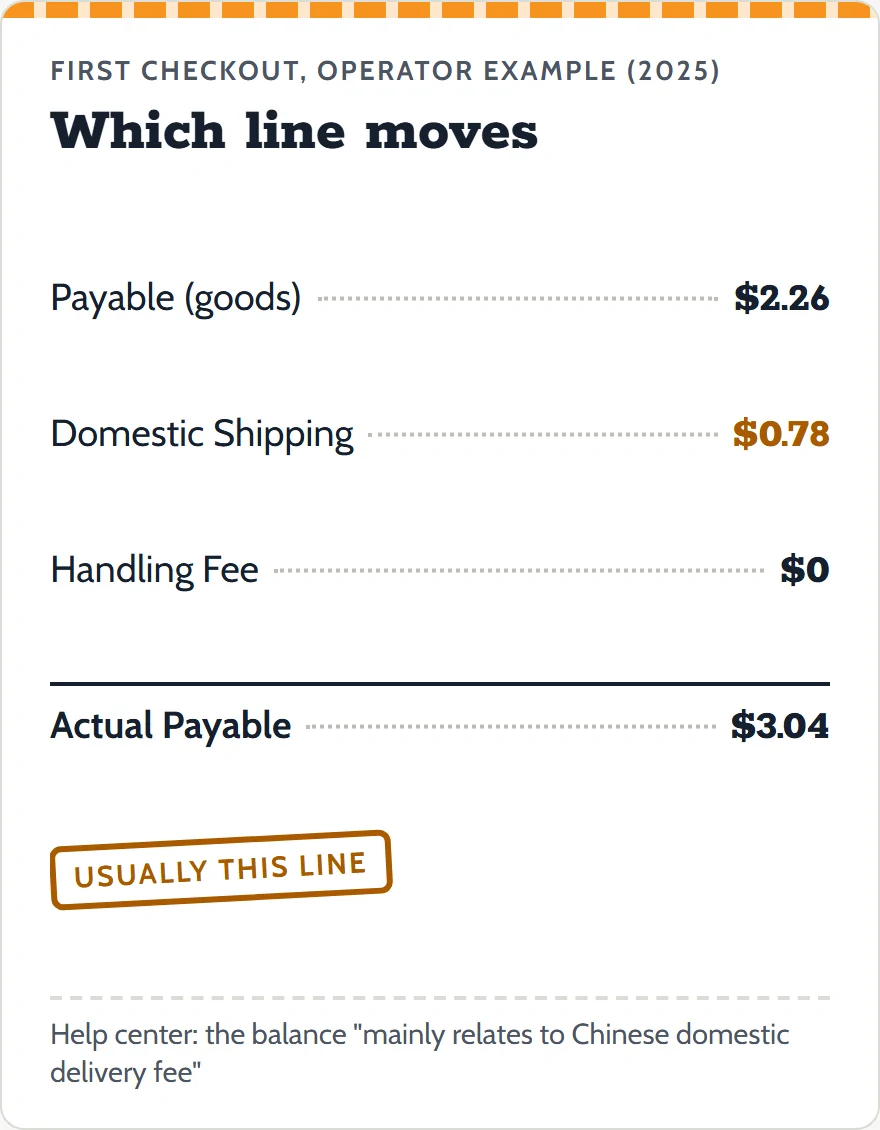
At OrientDig checkout you pay for the item and for its delivery inside China before anyone has spoken to the seller. Those amounts are copied from the listing at the moment it went into your cart. If the seller then quotes more, OrientDig does not absorb the gap; the order stops and asks you for it.
This page covers where that gap comes from, how the order displays it, the one rule that keeps the delivery part small, and the case OrientDig's pages leave open: a seller who asks for less. Every quote below was re-read on November 10, 2026.
Where an outstanding balance comes from
OrientDig's help center answers this exact complaint in a single sentence, and that sentence names two causes at once:
"…this is due to the change of seller's price, the balance mainly relates to Chinese domestic delivery fee."
OrientDig help center, outstanding-balance article, edited June 10, 2025, re-read November 10, 2026
That leaves two numbers free to change after you pay: the unit price, and the seller's charge for delivery to the Shenzhen warehouse. The article says the second one is the usual culprit. That matches how small the first checkout is: in the operator's own 2025 tutorial screenshot the goods line reads $2.26 and the domestic shipping line $0.78, so a seller who adds a few yuan of postage changes the order by a noticeable share.
The purchasing instructions put the same rule in the agent's words: if the item price or freight "is not consistent with that submitted by the user", the agent sets a payment make-up "according to the actual value of the item". You pay the difference; nobody guesses it in advance.
What the order page shows during Clear Balance
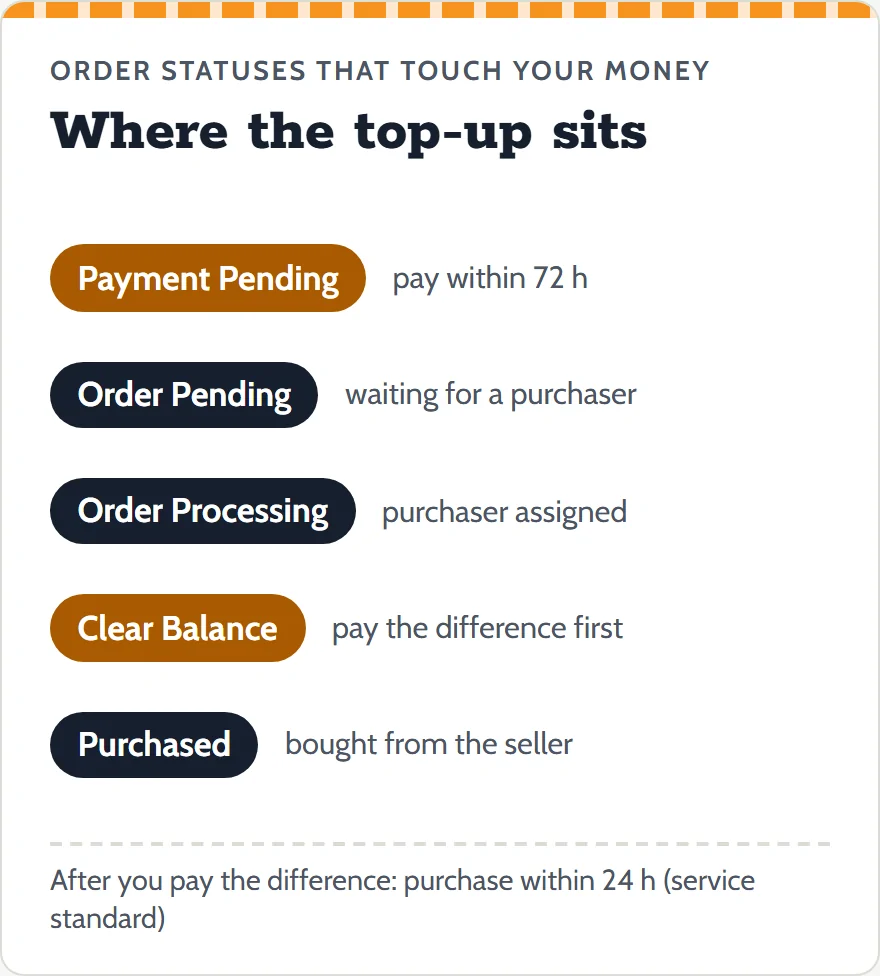
OrientDig's list of order statuses gives the waiting state a name. Clear Balance: "Actual purchase cost exceeds the original order payment. User needs to pay for the difference before further purchasing." The last four words matter. The order does not move on to Purchased while the difference is open.
A neighboring status, Confirmation pending, means the purchaser needs an answer from you rather than money; the help center says the order page shows instructions and you "simply follow the instructions to reply". Both appear in the same account list, so read the status name before you reach for your card.
Once you pay, a clock starts. The service-standard table in the purchasing instructions says the agent "shall fulfill the order within 24 hours after the user has confirmed or make payment replenishment". Do not confuse this with the 72-hour window in the status list: that one belongs to Payment Pending, a freshly created order you have not paid at all. The status list attaches no deadline to Clear Balance itself.
Same shop, same checkout, a single delivery fee
The rule that saves the most money on this page is also the easiest to miss. From the help center:
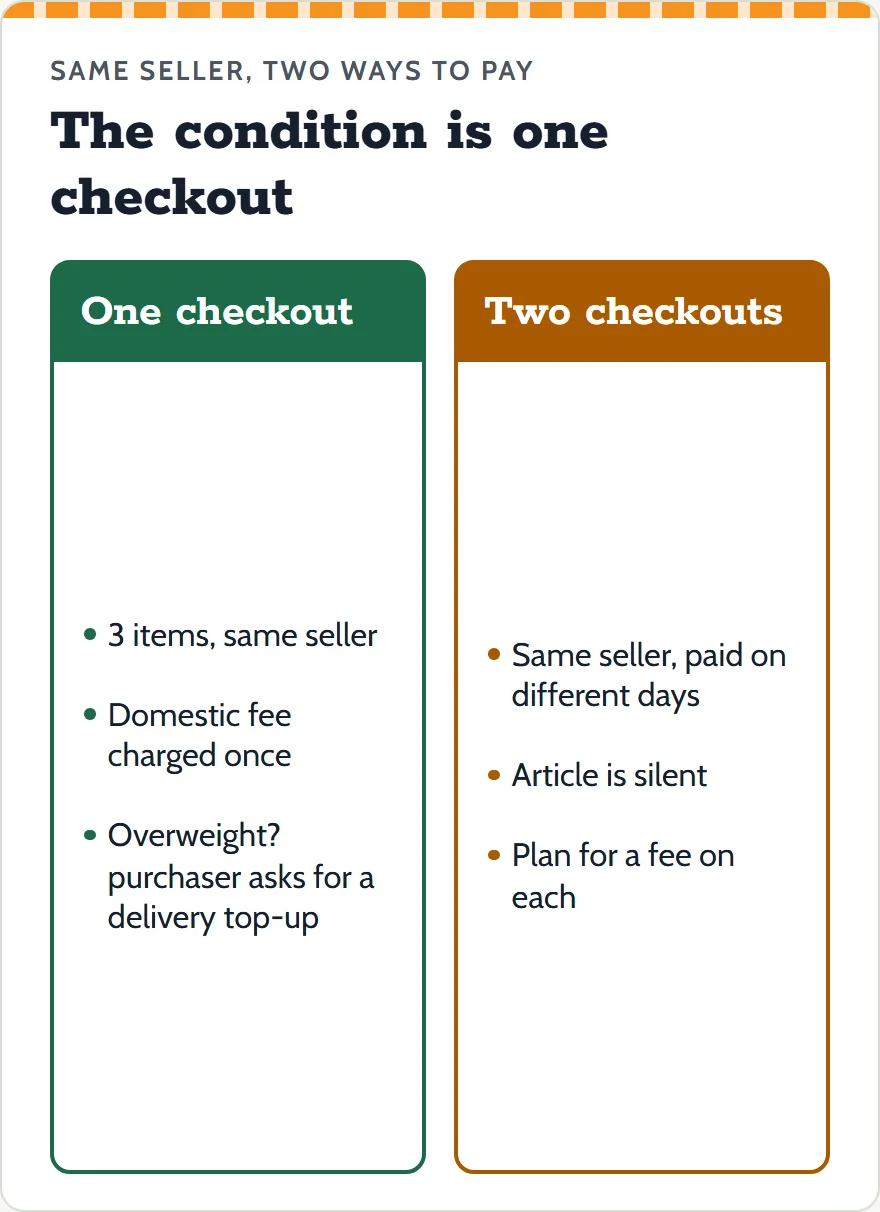
"Buying several items from one seller, and if you submit and check out the purchasing order together, on that condition, OrientDig will charge your Chinese domestic delivery fee once."
OrientDig help center, same-seller delivery article, edited June 10, 2025
There are two conditions, and both have to hold: the items come from the same seller, and they go through one checkout. Two checkouts a day apart do not meet the wording. The article does not say what happens then, so plan as if each checkout carries its own fee.
The same paragraph carries its own exception. If you take so many items from one seller that the package becomes overweight, "our purchasers will remind you to clear the delivery balance". A bulk order of hoodies from one shop is still one delivery fee in principle, plus a top-up when the seller's courier charges by weight. The Price-hold sheet has a switch for this rule, so you can see the fee counted once.
Keeping a top-up down to small change
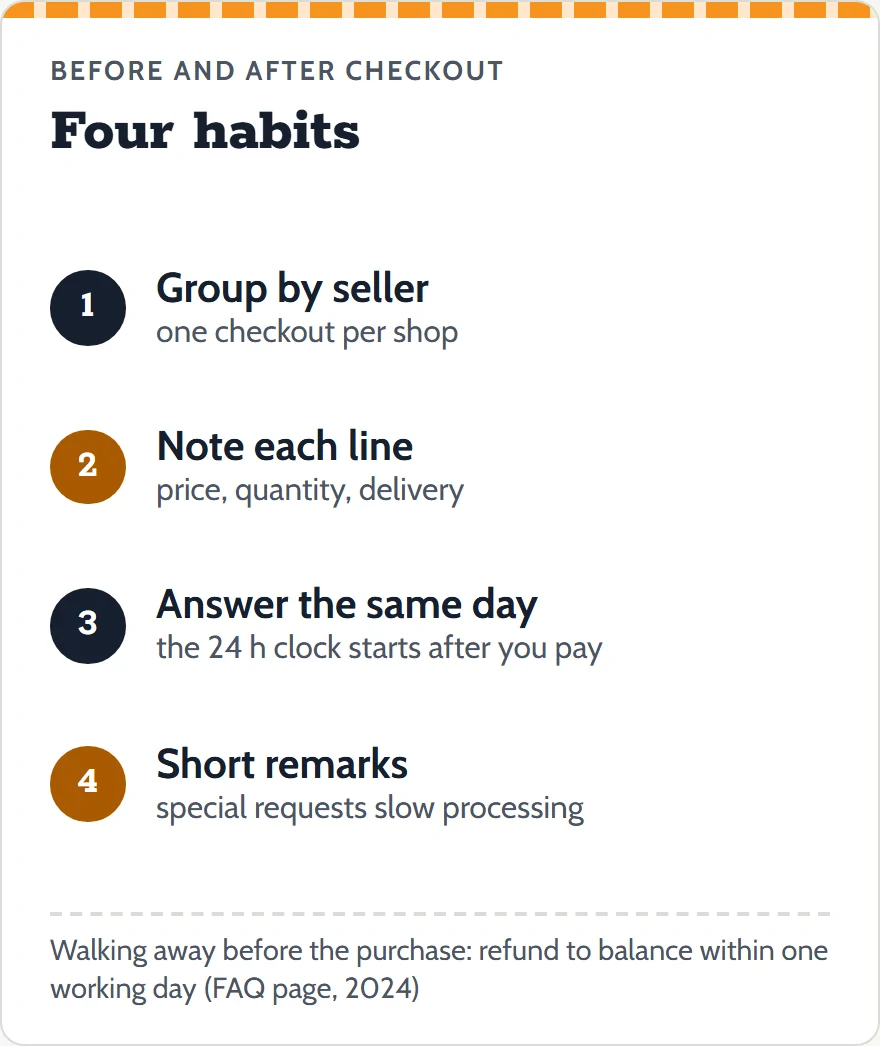
A top-up tends to grow when an order sits unanswered, or when a cheap listing was cheap for a reason. These habits keep it in check:
- Group by seller before you pay. Put every find from one shop into the same checkout so the single-fee rule can apply.
- Write down what you paid per line. The order page shows the new figure; it is easier to judge it next to the old one. The Price-hold sheet does this for several lines at once.
- Answer quickly. The 24-hour purchase clock only starts after you pay or confirm. While the order waits, the seller is free to sell the last unit to someone else.
- Keep remarks short. The service standard warns that any special request the seller has to confirm can stretch processing, more so when the seller is offline.
If the new figure kills the deal, you can walk away. OrientDig's FAQ page says an order canceled while it is Order processing, before the purchaser has bought anything, is refunded "to your OrientDig balance within one working day" (page edited July 3, 2024). Ask in the order chat before you pay the difference.
A lower figure from the seller: not covered
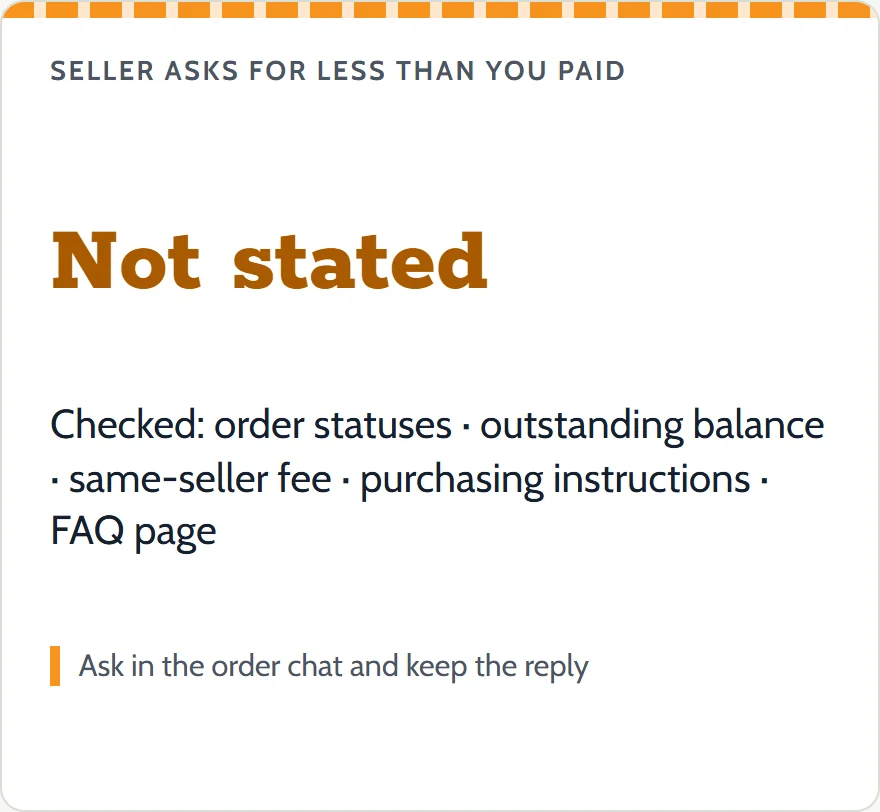
Price changes run both ways, and here OrientDig's pages are thin. We read the order-status list, the outstanding-balance article, the same-seller article, the purchasing instructions with its service-standard table, and the FAQ page. None of them says what happens when the seller asks for less than you paid, and no status in the list describes it.
That is a gap, not a policy, so this guide does not fill it with a guess. In practice:
- Ask in the order chat what will happen to the difference, and keep the reply.
- Check the account's balance pages. The FAQ page lists "Balance Details" with "Payment History" and "Refund Details", which is where any money returned would show.
- In the Price-hold sheet, a lower reported figure is labeled "not covered by OrientDig's pages" instead of being added to your refunds.