A first OrientDig order, followed from link to the last settled yuan
Most guides stop when the parcel leaves. This one follows a first order from link to parcel and then a little further, to the last top-up or refund, because that is where a deal is finally decided.
Illustrated Guide · 10 steps
Follow the item payment and parcel payment
Find the seller page
Use a product link, keyword or image in OrientDig. If the marketplace does not accept link import, check DIY Orders.
Confirm the order options
Select the color, size and quantity. Review minimum quantities on 1688 and any shipping restrictions before paying.
Pay for the item
Review the item amount and the seller’s domestic delivery charge at checkout.
Watch for an agent update
OrientDig places the order with the seller. Review any stock issue or change in price before approving it.
Inspect the warehouse photos
Confirm the product and option on arrival. Raise a return or exchange request while the item is still stored if something is wrong.
Build the parcel
Select items, confirm the address and compare available lines and packing options.
Pay the shipping deposit
Check the estimate based on the destination, line and expected parcel weight.
Review the final freight
OrientDig packs and weighs the parcel. After dispatch, compare the final amount with the deposit and check your balance for any refund.
Track from My Parcel
Look up the parcel status and tracking number in your account.
Confirm what arrived
Confirm delivery after checking the contents. Use the order or parcel support route if you need help.
A processing estimate refers to the agent handling an order. Warehouse dispatch and carrier delivery happen later and depend on the parcel and route.
Official OrientDig shopping guideOpening an account
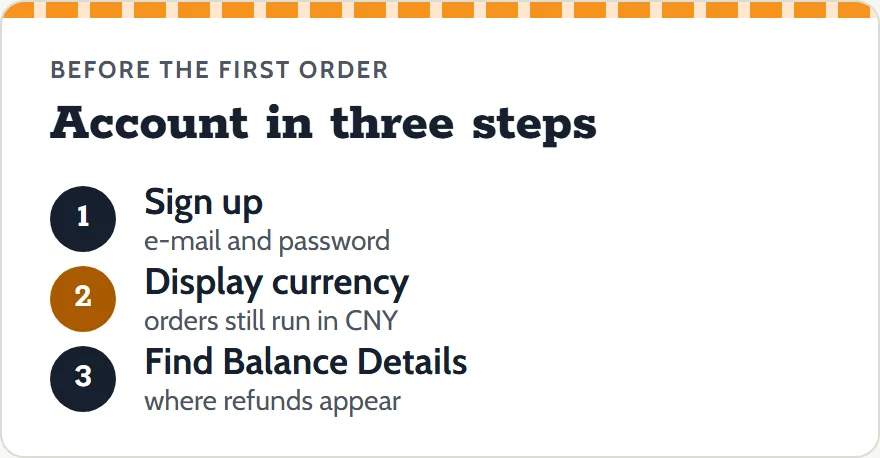
Registration takes an e-mail address and a password on OrientDig's sign-up page. The link includes our referral code. OrientDig may pay us a commission for accounts opened through it; your prices and OrientDig's rules stay exactly as they would otherwise.
Before you buy, set the display currency you want in the page header, and note that the order and the seller will still work in yuan. Also look at the account's balance pages once, so you know where refunds will appear later.
Pasting the link and filling the cart
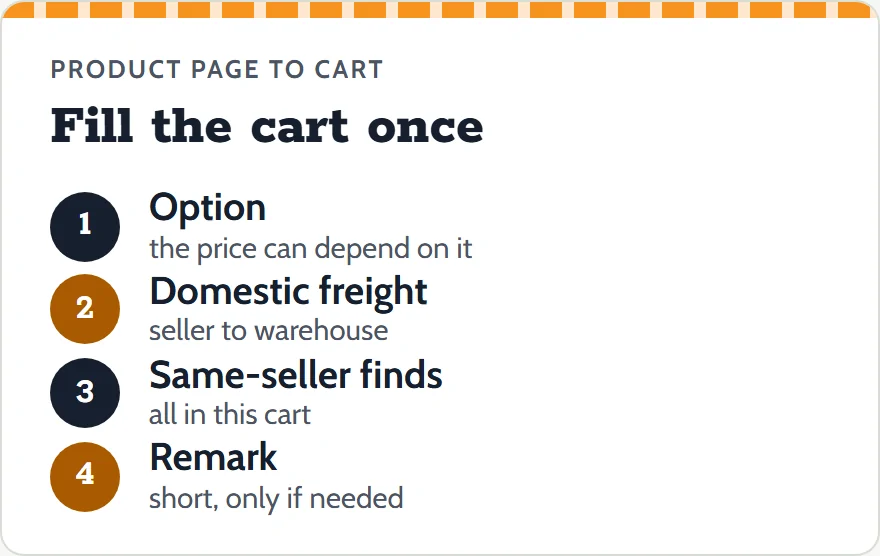
Copy the listing link from a catalog card, paste it into the search box on OrientDig's home page and submit. The product page shows the price, the options and the domestic freight from that seller to the warehouse.
Choose the option carefully and add it to the cart. Before paying, add every other find from the same seller, because the single-delivery-fee rule only works inside one checkout. If you want something specific from the seller, such as a gift or a particular packing, write it in the remark; keep it short, since special requests can slow processing.
Checkout, and the clocks it sets running
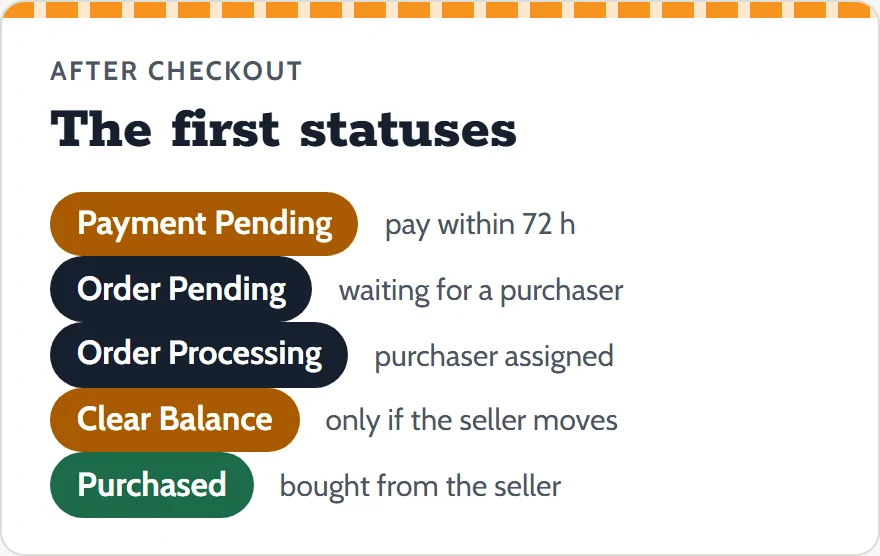
Checkout charges the goods and the Chinese delivery. An order you create but have not paid shows as Payment Pending, and the status list asks you to pay it within 72 hours. Once paid, it moves through Order Pending and Order Processing, where a purchaser is assigned.
From here the clocks on the stock and changes page apply. If the seller's figures differ, you will see Clear Balance and a top-up request; if the seller is out of stock, a notice with 72 hours to reply. Log what you paid in the Price-hold sheet now, while the checkout page is in front of you.
Stored and photographed: two clocks begin
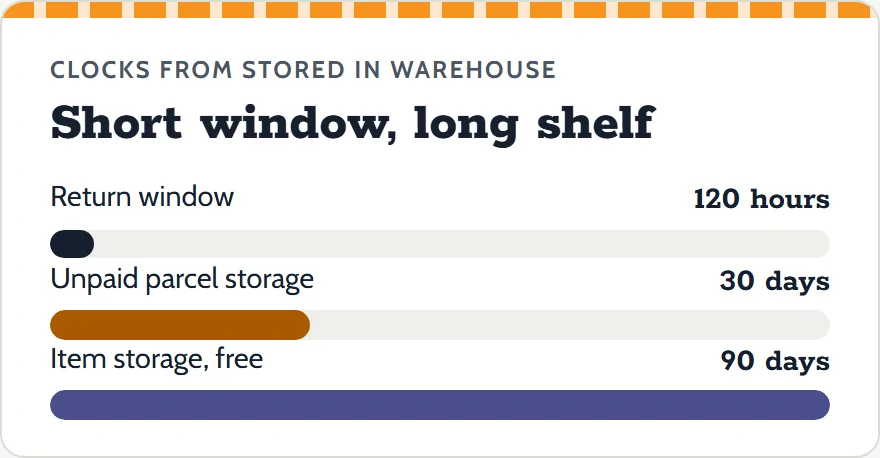
When the item arrives it is inspected, weighed and photographed, then marked Stored in warehouse. Two clocks start at that moment. The return window runs for 120 hours. Free storage for items runs for 90 days; a parcel you have submitted but not paid for is stored free for 30 days, and goods left past the period without contact are treated as abandoned.
Use the time to wait for other finds to arrive, so they can travel together, but check the QC photos first: they are the last cheap moment to fix a wrong option.
Parcel submission, and paying freight in advance
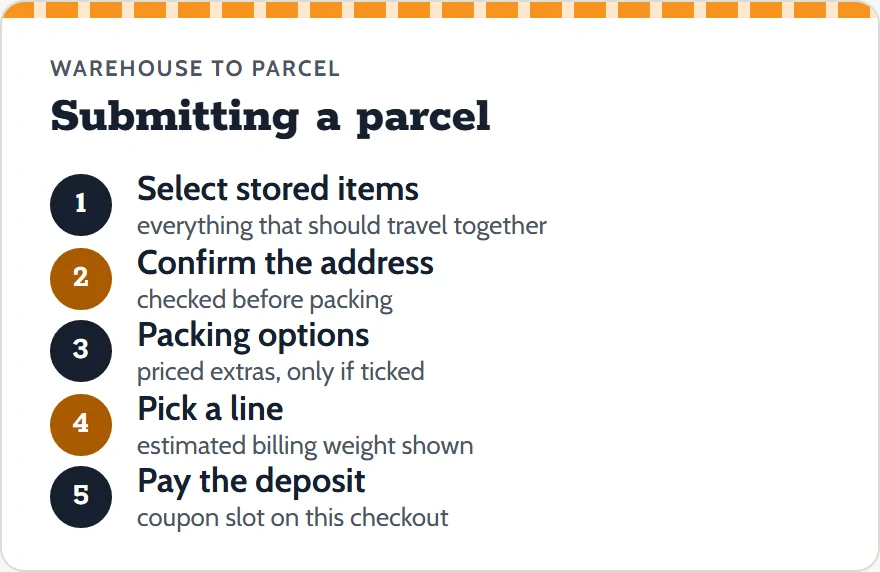
When everything is in, select the items in your warehouse page and submit them as one parcel. The submit page asks you to check the delivery address, offers packing extras and lists the shipping lines, along with the estimated billing weight.
The second checkout charges the freight deposit. In the operator's 2025 tutorial this checkout also shows a Coupons entry ("3 Coupon Available" in that example), so in that example coupons are picked at this step. Choose the line with the divisor in mind if the parcel is bulky; see the freight balance page.
After dispatch: closing the books on the order
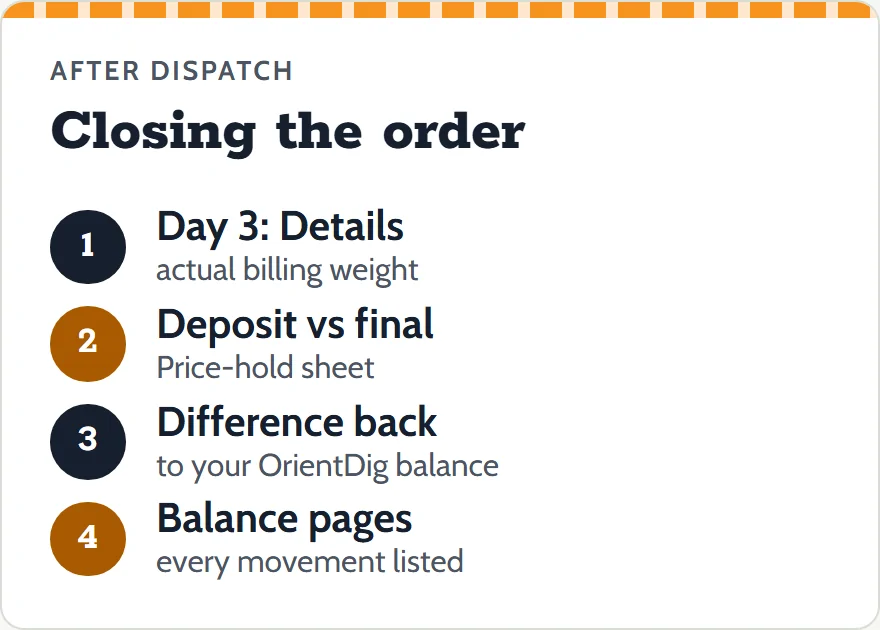
The order is not finished when the parcel leaves. Three days after dispatch, the parcel's Details link shows the actual billing weight. Compare it with the estimate, and the deposit with the final freight, in the Price-hold sheet. The tutorial says a difference in your favor is refunded to your OrientDig account after the parcel has shipped; it gives no day count.
Then check the balance pages. Every top-up you paid, every canceled line and the freight difference should be visible there. When the figures add up, the deal held, and you know exactly by how much.