Price-hold sheet: what you paid next to what the agent reports
Type each line of an OrientDig order twice: once as you paid it, once as the purchaser reported it after contacting the seller. The Price-hold sheet tells you, line by line, whether the deal held, how much of a top-up the order will ask for, what comes back to your OrientDig balance, and which official rule applies.
It does not convert currencies, guess freight or compare agents. It is arithmetic plus the rules OrientDig publishes, re-read on November 10, 2026. Below the form you will find how to use the tool, where its labels come from, and what it leaves out.
Typing your order into the Price-hold sheet
Open the order in your OrientDig account and keep this page next to it.
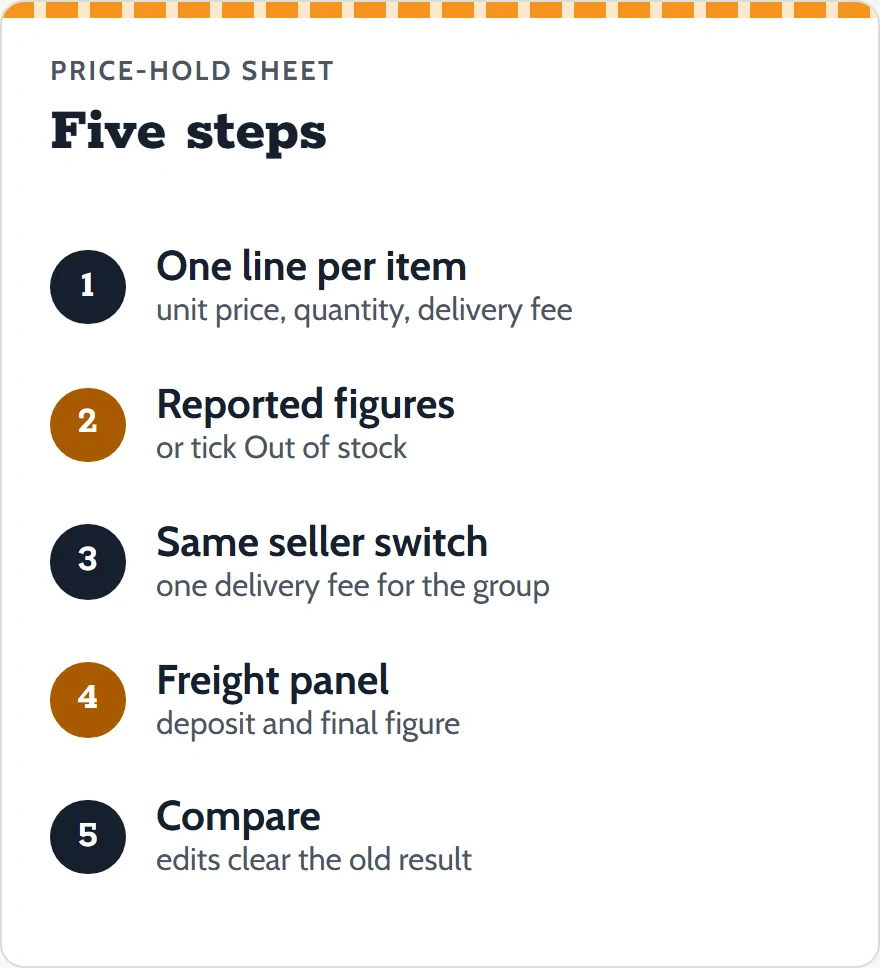
- One line per item. Enter the unit price and quantity you paid, and the Chinese domestic fee you paid for that item.
- Add the reported figures. When the purchaser comes back with the seller's figures, type the new unit price and domestic fee. If the seller is out of stock, tick the box instead; the reported fields are then ignored.
- Same seller, one checkout? Tick the switch. The per-line delivery boxes disappear and one pair for the whole seller order takes their place, because OrientDig charges that fee once in this case.
- Freight, if you have it. Open the freight panel and type the deposit and the final figure once the parcel has been weighed.
- Press Compare. Change any box and the result clears until you press Compare again, so an old answer never sits next to new numbers.
Where each result label comes from
Every result line carries a label and the rule it comes from. The labels are:
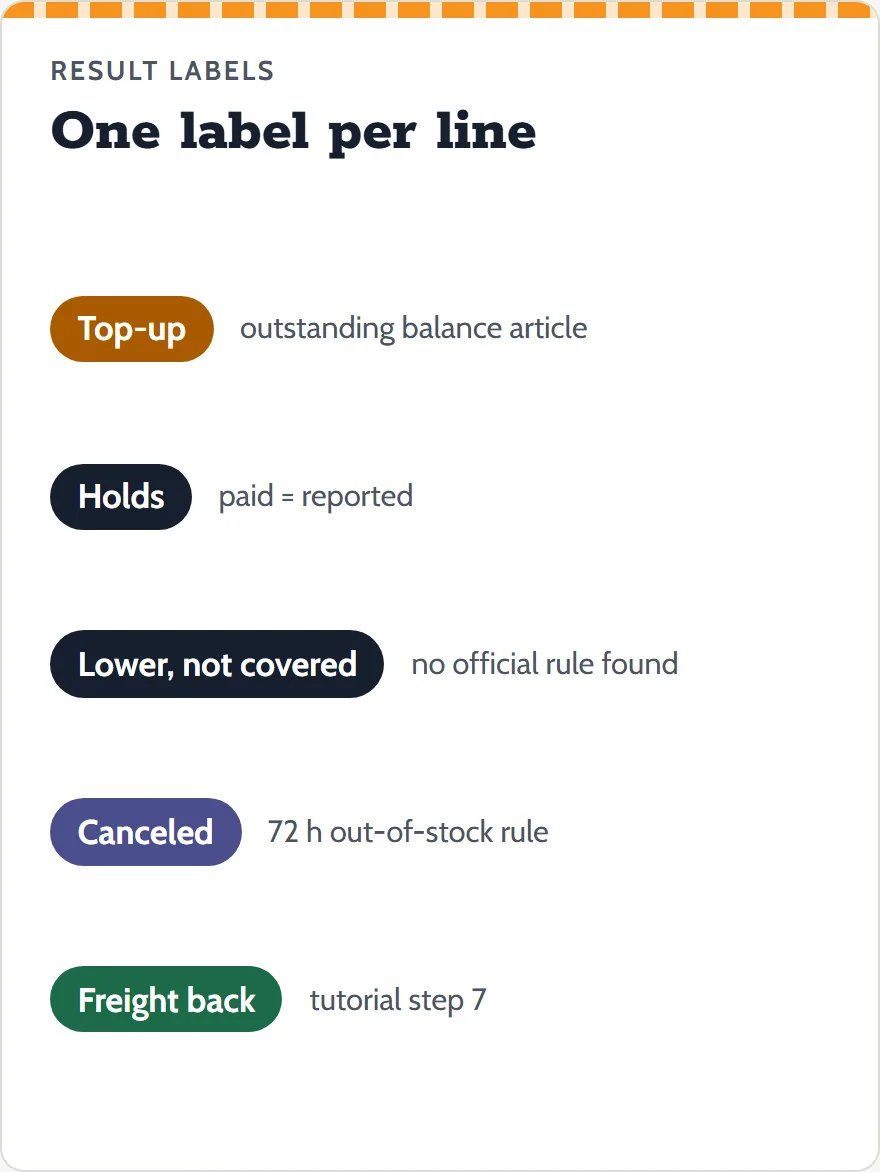
- Top-up
- The seller's figures add up to more than you paid. OrientDig's help center says the balance "mainly relates to Chinese domestic delivery fee"; the order waits in Clear Balance and is bought within 24 hours after you pay.
- Holds
- Reported and paid match. Nothing moves on that line.
- Lower, not covered
- The seller asks for less. OrientDig's pages do not say what happens to the difference, so it is shown apart and not added to your refunds.
- Canceled
- Out of stock. Reply within 72 hours or the agent cancels; the status list says the refund goes to your OrientDig account.
- Freight back / freight balance
- The tutorial says a deposit above the final freight is refunded to your account after the parcel ships. A final figure above the deposit is shown as a balance; OrientDig's parcel list has a Clear Balance tab, but its tutorial only describes refunds.
What the Price-hold sheet leaves out
A calculator that guesses is worse than none, so this one refuses a few jobs:
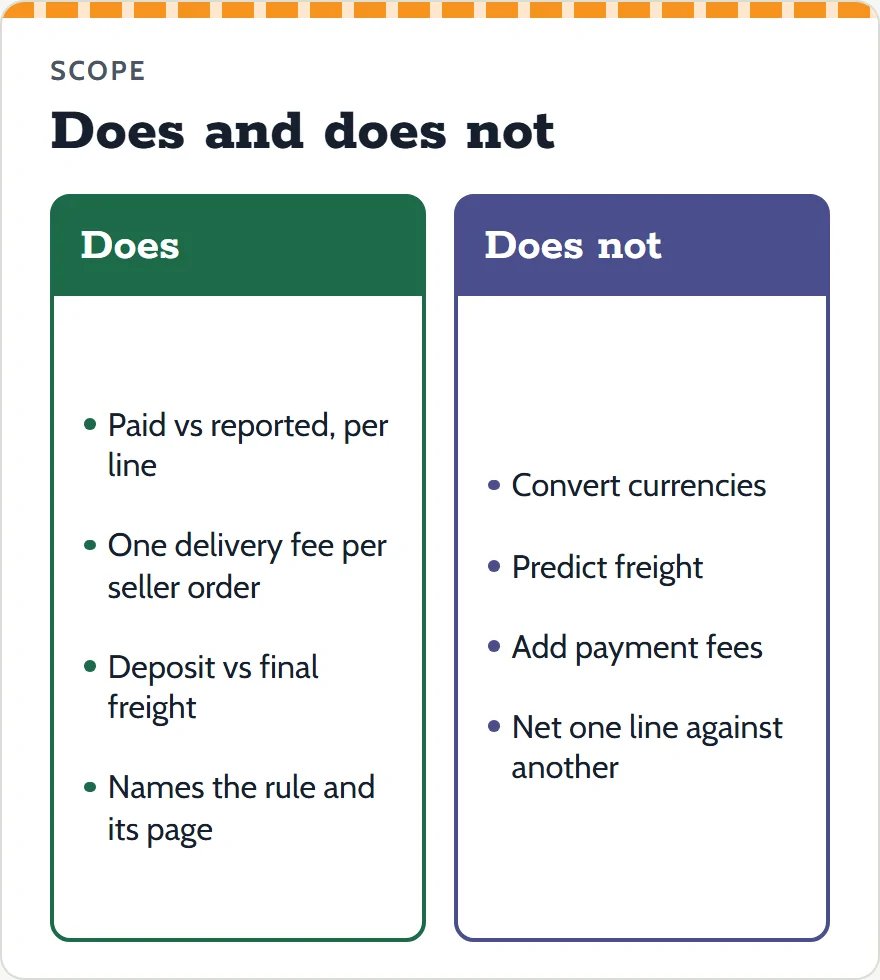
- No currency conversion. OrientDig converts at a display rate of its own choosing; type the CNY figures from the order instead.
- No freight prediction. The estimator on OrientDig's site does that, and even it calls itself a reference.
- No payment-method fees. OrientDig does not publish them; the checkout page shows the amount you will be charged.
- No netting across lines. A lower figure on one line is not used to cancel a top-up on another, because no published rule says OrientDig does that.
- No agent comparison. The rules here are OrientDig's alone.
Inputs are checked before anything is added up. Empty boxes, negative numbers, words, numbers written as 1e2, more than two decimals, amounts over 100,000 CNY and quantities outside 1 to 99 each get a message on their line, and no result is shown until every line passes.
Sample figures, run through once
The "Load sample figures" button fills in three made-up lines so you can see each label once:
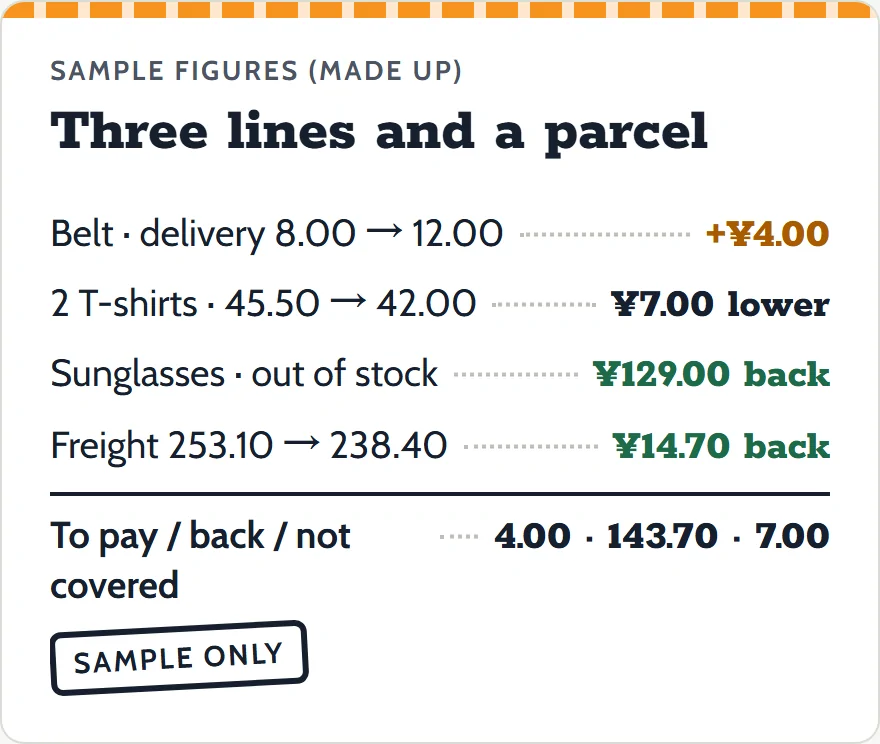
- Line 1: a belt paid at 89.00 CNY with 8.00 CNY domestic delivery. The seller reports the same price but 12.00 CNY delivery. Result: top-up 4.00.
- Line 2: two T-shirts at 45.50 CNY each with 6.00 CNY delivery. The seller now asks 42.00 each, delivery unchanged. Result: lower by 7.00, not covered.
- Line 3: sunglasses at 129.00 CNY, no delivery fee, reported out of stock. Result: canceled, 129.00 back to your balance if you let the 72 hours run.
The freight panel adds a 253.10 CNY deposit against a final 238.40 CNY, which gives 14.70 back after the parcel ships. The totals line keeps the three flows apart: 4.00 to pay, 143.70 coming back, 7.00 not covered.