Help for stuck OrientDig orders, glossary included
Start here if something on an OrientDig order has gone wrong or simply does not make sense. Problems with the order go to OrientDig; problems with this site come to us.
Which OrientDig contact handles which problem
OrientDig's Contact Us page divides the work. Account problems, such as login or password, go to its care e-mail address, which handles "OrientDig account-related issues only". Order, payment and parcel questions are handled through a ticket from the Contact button inside your account, or in the online chat. The older FAQ page gives the chat hours as 9:00 to 18:00 China time, seven days a week.
A top-up you think is wrong, an out-of-stock line you want replaced, a refund that has not appeared: all of these belong in the order itself, where the purchaser can see the history. Keep screenshots of the order page before and after.
For questions about your order, open the order in your OrientDig account and use its support option.
Order-screen glossary, money first
Terms you will meet on the order and parcel pages, in plain words.
- Outstanding balance
- Money the order still needs after checkout because the seller's figures were higher.
- Clear Balance
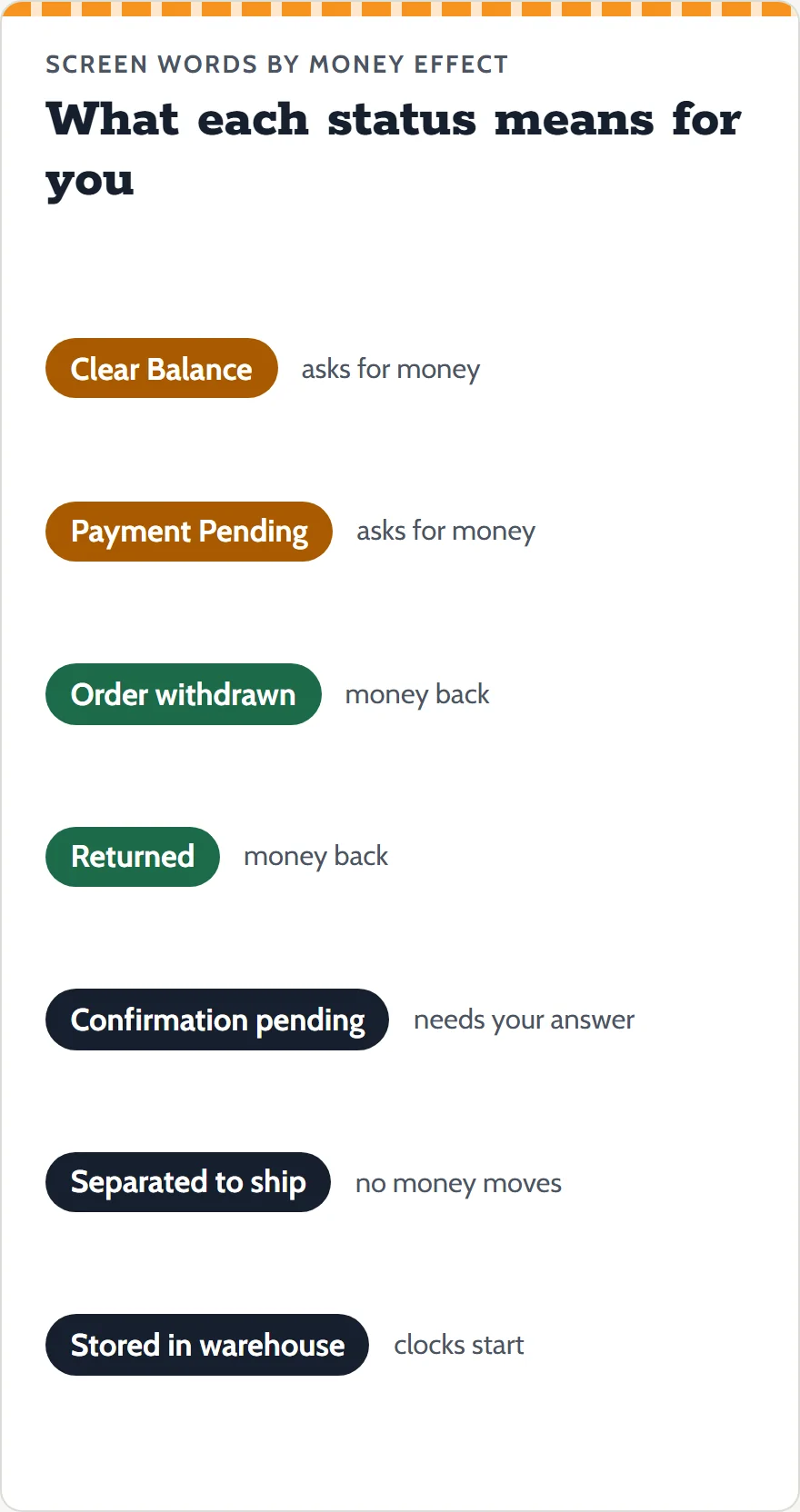
- The order status while that balance is unpaid; purchasing waits for it. A tab with the same name appears on the parcel list.
- Payment make-up
- The service standard's term for the top-up the agent sets when "Payment Underpaid".
- Confirmation pending
- The purchaser is waiting for your reply rather than a payment.
- Order withdrawn
- Canceled, by you or for customs or other reasons; the refund goes to your balance.
- Separated to ship
- Part of the order is coming by another courier.
- Stored in warehouse
- Inspected, weighed and stored. Starts the 120-hour return window and free storage.
- Estimated billing weight
- Stored weight plus a packaging estimate, shown when you submit a parcel.
- Actual billing weight
- The weight that is finally charged, visible under Details three days after dispatch.
- Volumetric weight
- Box size divided by a divisor of 5000 to 8000; used when it beats the scale on lines that apply it.
- Freight deposit
- The second payment, set from the estimate and trued up later.
- DIY Order
- A form for listings OrientDig cannot read by link; you type the price and delivery fee yourself.
- QC, GL, RL
- The photo set from the warehouse, plus two bits of buyer slang: GL (green light) to accept, RL (red light) to reject.
Short answers on top-ups, refunds and freight
These are frequently asked questions about money after checkout, written as statements. Open one for the answer and its source.
Paying again after checkout
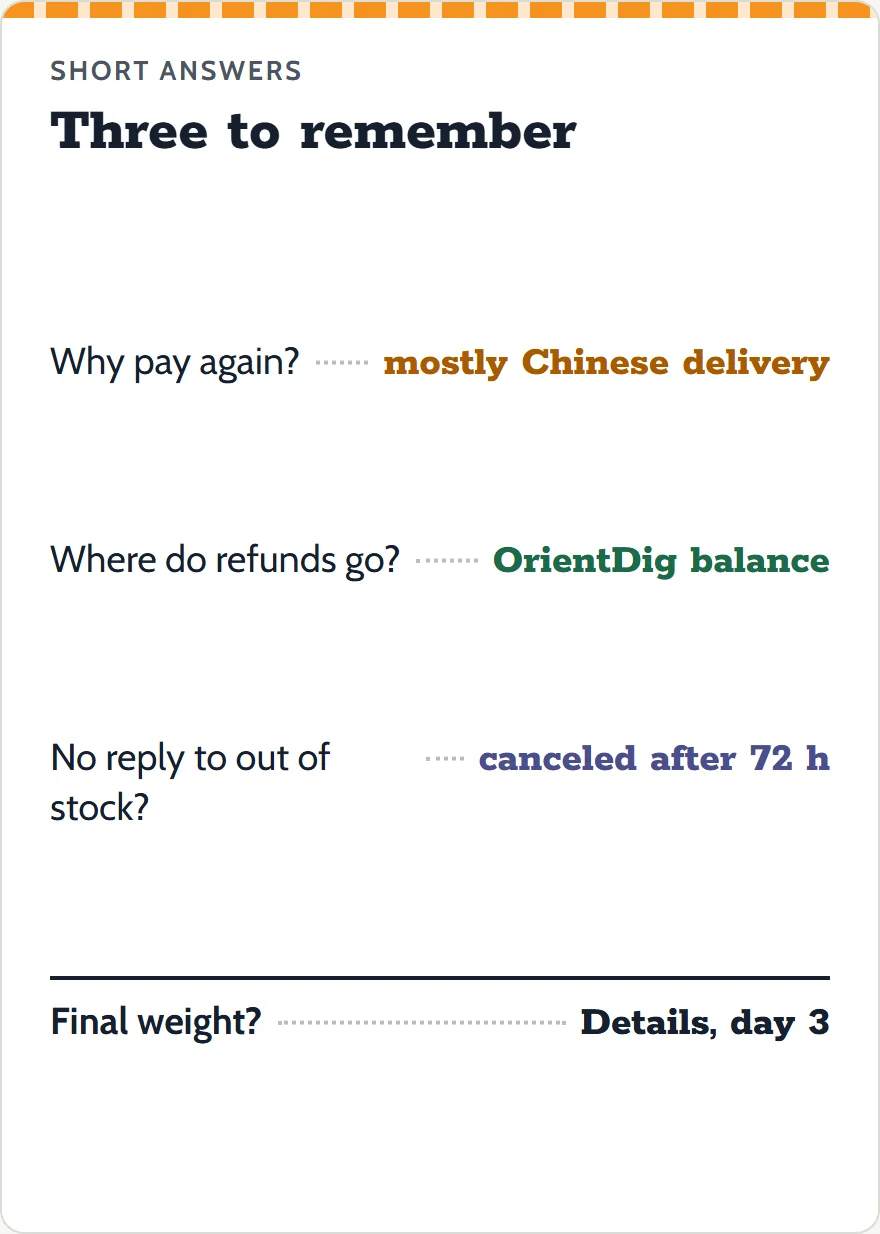
It happens when the seller's price or Chinese delivery fee is higher than the listing showed. The help center says the balance "mainly relates to Chinese domestic delivery fee". See price changes.
Refusing a top-up
You can ask to cancel instead. The FAQ page says an order canceled before the purchase is refunded to your balance within one working day.
Where refunds land
In your OrientDig account balance, per the status list and the FAQ page. The pages we read do not describe refunds to a card.
Out-of-stock notices left unanswered
After 72 hours the agent cancels the line and refunds it to your balance (service-standard table, 2025).
Refund timing when the seller pays
4 to 10 days after the seller refunds the agent (service standard); 7 to 15 days in total for returns from the warehouse (FAQ page, 2024).
A seller asking for less than you paid
OrientDig's pages do not say. Ask in the order chat and keep the answer.
A different size after the seller ships
Only as a return after the item is stored, within 120 hours, then a new order. You pay the return postage.
Freight deposit higher than the final charge
The tutorial says the difference goes back to your OrientDig account after the parcel ships. No day count is given.
Seeing the final parcel weight
Under Details on the parcel page, three days after dispatch.